Facebook lead ads CRM for real estate (free)
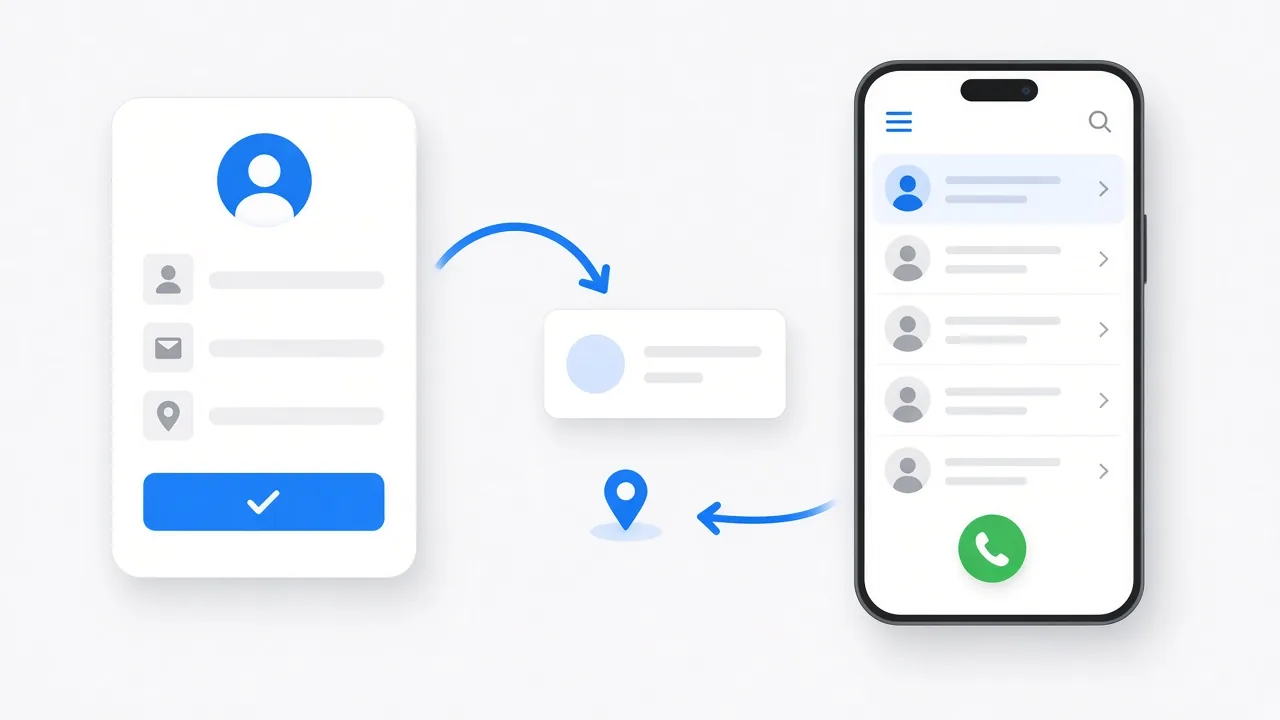
Call Pro AI is a free Facebook lead ads CRM for real-estate teams. Leads from connected Facebook and Instagram lead forms are pulled in, given to a telecaller and placed in Call now. A form that nobody connected does not import. The owner can also send site visits and bookings back to Meta.
By Call Pro AI Team
Key facts
How it works
Only connected forms
Meta's own webhook is not something to trust as the only door. Call Pro AI pulls leads from the Graph API on a schedule, and it imports only forms that have been mapped. If an ad is pointed at a copied form that nobody connected, those buyers stay on Facebook until the form is connected.
Connecting a form that has been waiting can bring in its recent leads, so the team is not starting from zero. Until that connection exists, the honest status is: nothing has arrived. Do not tell the team the CRM is empty if the form was never mapped.
One Facebook business can advertise for more than one company. The form is what decides which company receives the lead. A lead must not end up owned by one company and assigned to another company's telecaller.
A buyer who enquires again
Someone who fills the form a second time is not a duplicate to throw away. The same lead comes back to her telecaller, or to the routed one if hers has left. A closed lead can reopen as a call back, due now, with a one-line note. A do-not-call lead is left alone. A booked lead keeps its stage.
The row tells her they filled the form again. That is a reason to call, not a reason to open a second card for the same phone number.
Call the new ones the same day. The guide call a Meta lead the same day is the routine. The longer setup guide is handling lead-form leads.
Sending the truth back
If Meta only hears 'form filled', it looks for more people who fill forms, including people who never pick up. If it also hears which leads became a site visit or a booking, it can look for people more like those. Call Pro AI can send those two events for leads that came from Meta, once the owner has connected Meta. See how to tell Meta about a site visit.
The send is only as honest as the stage. Mark a visit done only when the buyer was at the site. The phone's location check is what makes that visit real on the dashboard. A hopeful stage teaches the ads the wrong lesson.
Keep the first call short. Confirm the project, the budget and a next step, then write it down. The Meta lead-cost calculator is a free browser tool for cost per lead, per visit and per booking. It does not read your ad account. You type the numbers. The dialer, the lead and the follow-up together are the calling workflow.
Before you connect
The owner connects Meta from the Facebook page of the web dashboard. The token you give it must have leads_retrieval, pages_show_list, pages_read_engagement and pages_manage_metadata, and the Facebook Page must be subscribed to the app for lead forms. Then map each lead form to the company that should receive its leads.
The setup page has a test button. It checks three things: the Page can be reached with the saved token, the Page is subscribed for leads, and the lead permission works. Fix whatever it marks red before you spend money on ads. Each lead form also needs a link to your own privacy policy; the free privacy policy generator writes a draft.
If leads stop arriving
Run the test again first. A permission error comes from the Meta app or token setup, not from the CRM, and the message says which part is missing. The next most common cause is an ad that points at a copied form nobody mapped. Map it, and its recent leads can come in on the next pull.
Want help with the ads themselves? That is a separate paid growth service. The CRM and lead sync stay free either way. See pricing.
Honest limits
Questions
Keep going
Get Meta leads into Call now
Start free